When you setup SBS 2008 you have a self-signed certificate. It is used by Outlook 2007 and for other https services including OWA (Outlook Web Access).
In the Company Web Site, there is an announcement saying how to obtain the certificate package for installation on non-domain company computers. The path to the ZIP of the certificate installation package is \\MyServer\users\public downloads. The Fix My Network wizard updates this ZIP if it thinks it's not invalid.
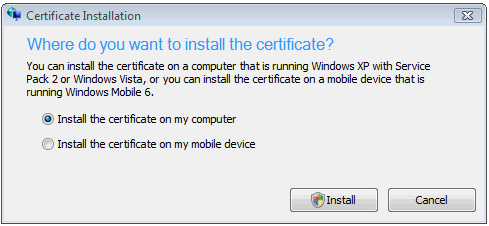
Domain login computers will have the certificate pushed as part of the Group Policy and do not need to manually install the package. Non-domain logins should download and run the contents of the ZIP. It can be used by XP S2 and Vista clients. When you run it, you get the choice to run on the local computer or on a Windows mobile device vs 6.
Link to the MS SBS 2008 Managing Certificates.
previous page
|