Task:
Removal, emptying, and re-use of the toner waste cartridge.
Note:
When you empty it, do it OUTSIDE, and upwind over your trash can.
Steps:
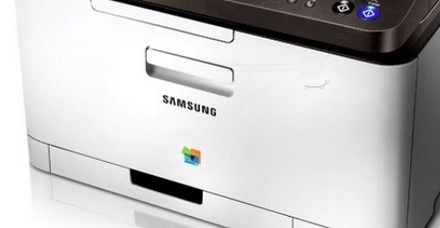
1. Open the front door of the printer, using the handle by the Samsung name.
2. Remove the 4 color cartridges. Each one has it's own color-coded slot which only that color fits into.
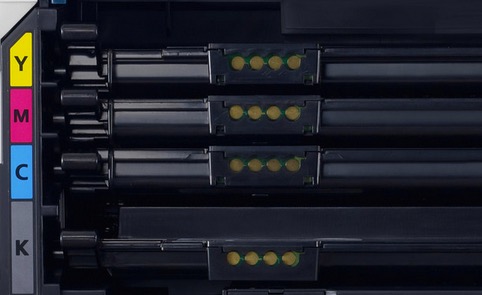
3. The Toner waste tank is the color coded "thing" on the left. Lightly press down the release, which is green in this picture, but not on our printer, and pull out the toner tank.
4. Take it outside and empty the tank into your trash-can -- stay up wind.
4b. If the tank is too dirty, the sensor might think it's still full.
You can wash the tank out, and let it dry over night. But don't put it back wet.
5. Re-insert the toner tank until it clicks back into place.
6. Starting with the bottom toner cartridge, replace the cartridges.
Each color will only fit in its own slot. If it doesn't easily fit, check to make sure you are in the correct slot.
7. The printer should be ready print about 30 seconds after you close the front door. You shouldn't need to reboot the printer.
The message will be gone about the replacing the toner tank. (If not, see 4b.)
previous page
|